
KORPUS and AutoFIT
More time for skilled work, from design to cutting plan.
Your expertise deserves more attention than re-entering data. KORPUS connects parametric design with production preparation and CNC output. AutoFIT prepares cutting and nesting plans, labels and offcut management. Use them separately or together, tailored to your workflow and supported machinery.
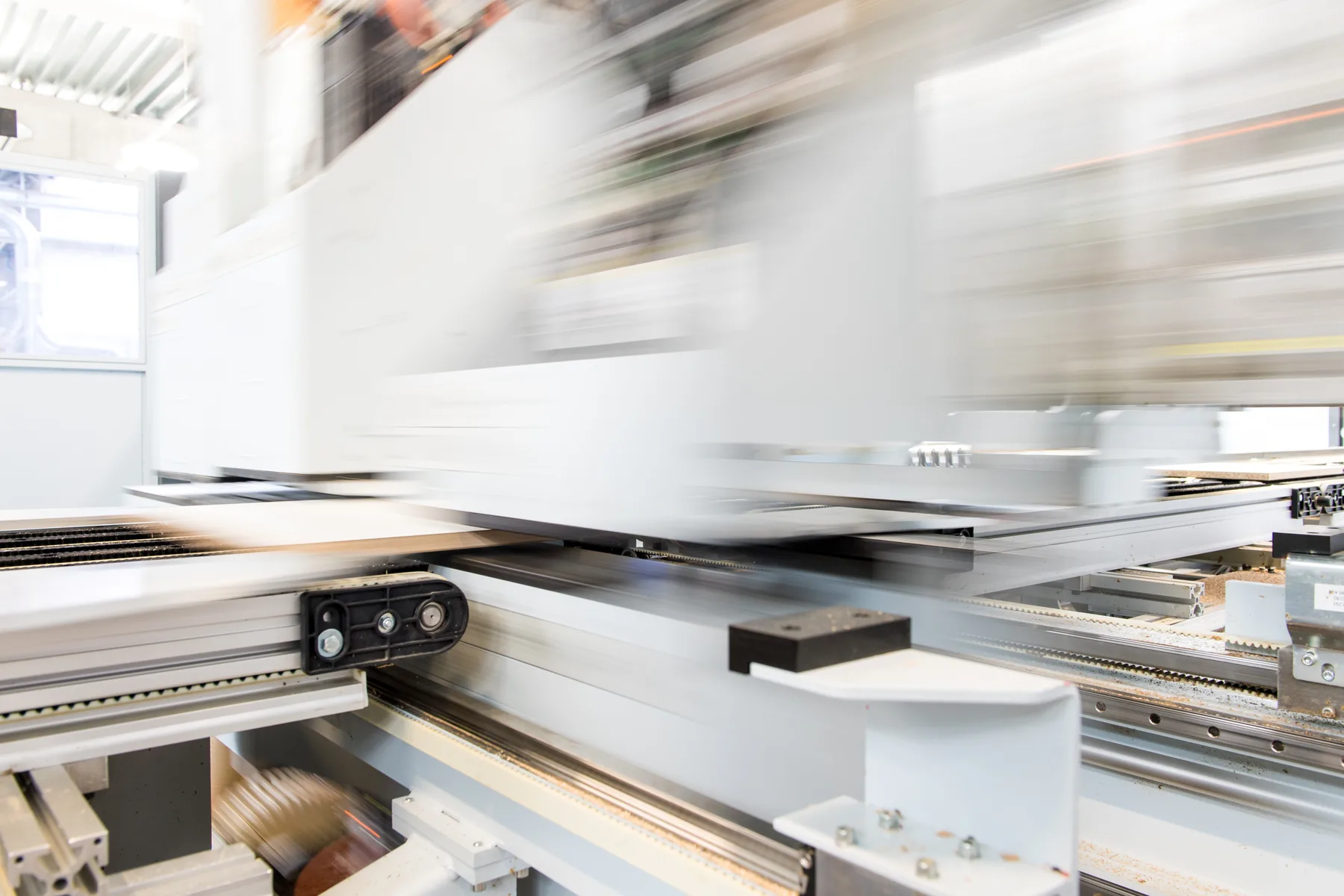
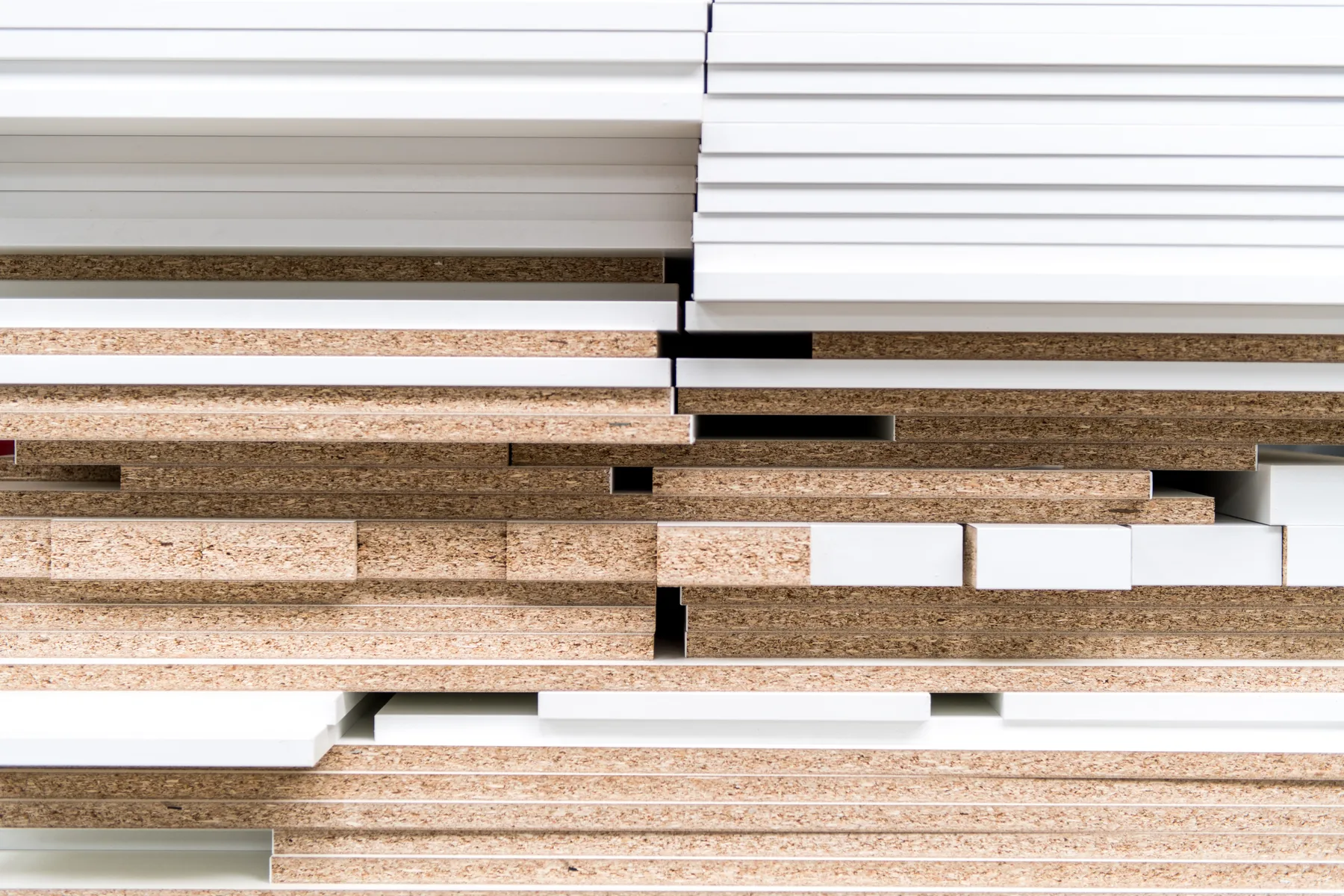
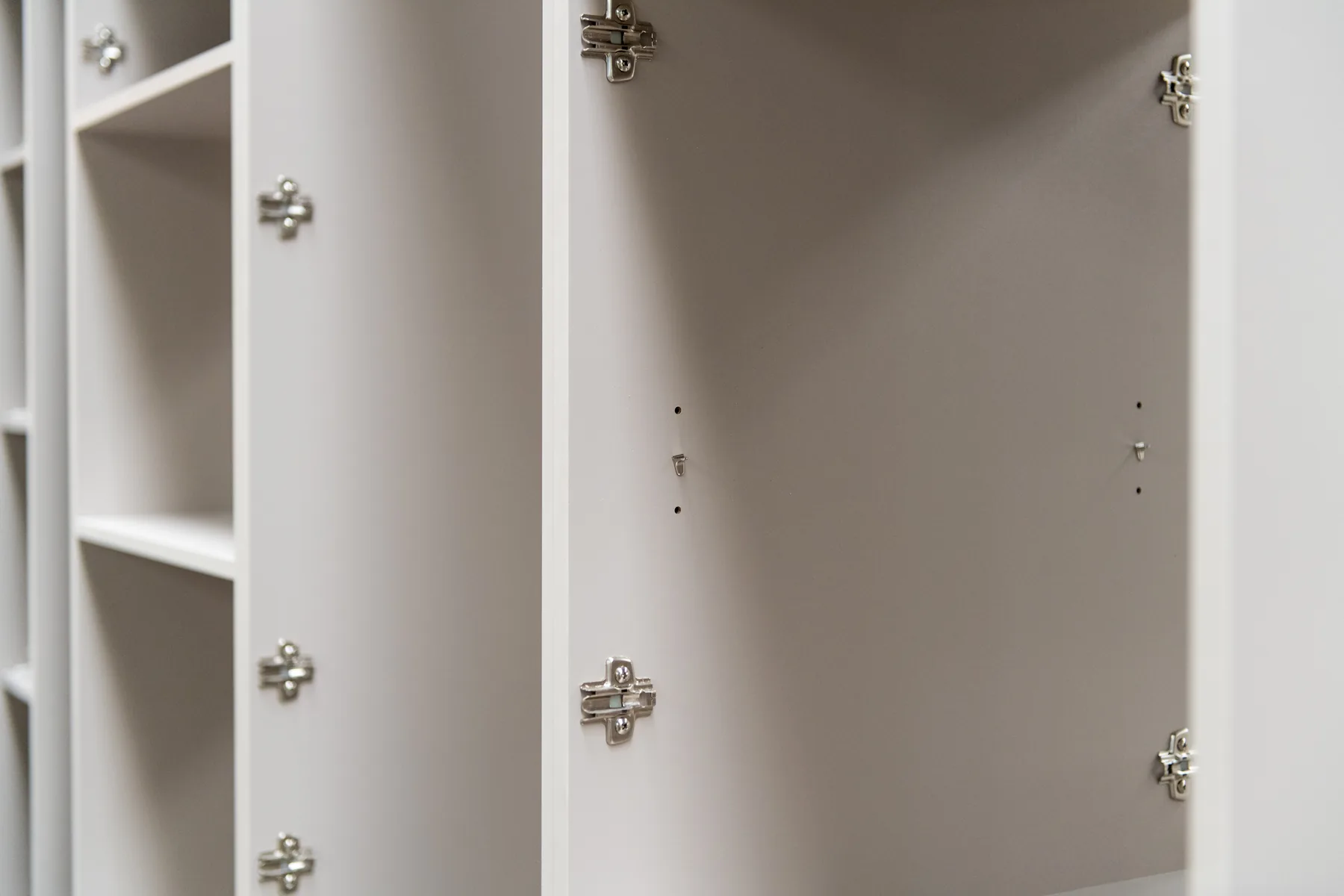
KORPUS
Design bespoke interiors and send accurate data to production
KORPUS is CAD/CAM software for cabinets, bespoke work and complete interiors. Build designs with materials, construction details, fittings and machining operations, then use the same source to prepare parts and send accurate production data to your machines.
KORPUS helps you with:
- parametric design;
- reusable libraries;
- part and material information;
- drilling, milling operations and contours;
- production preparation;
- integrations with different machine types.
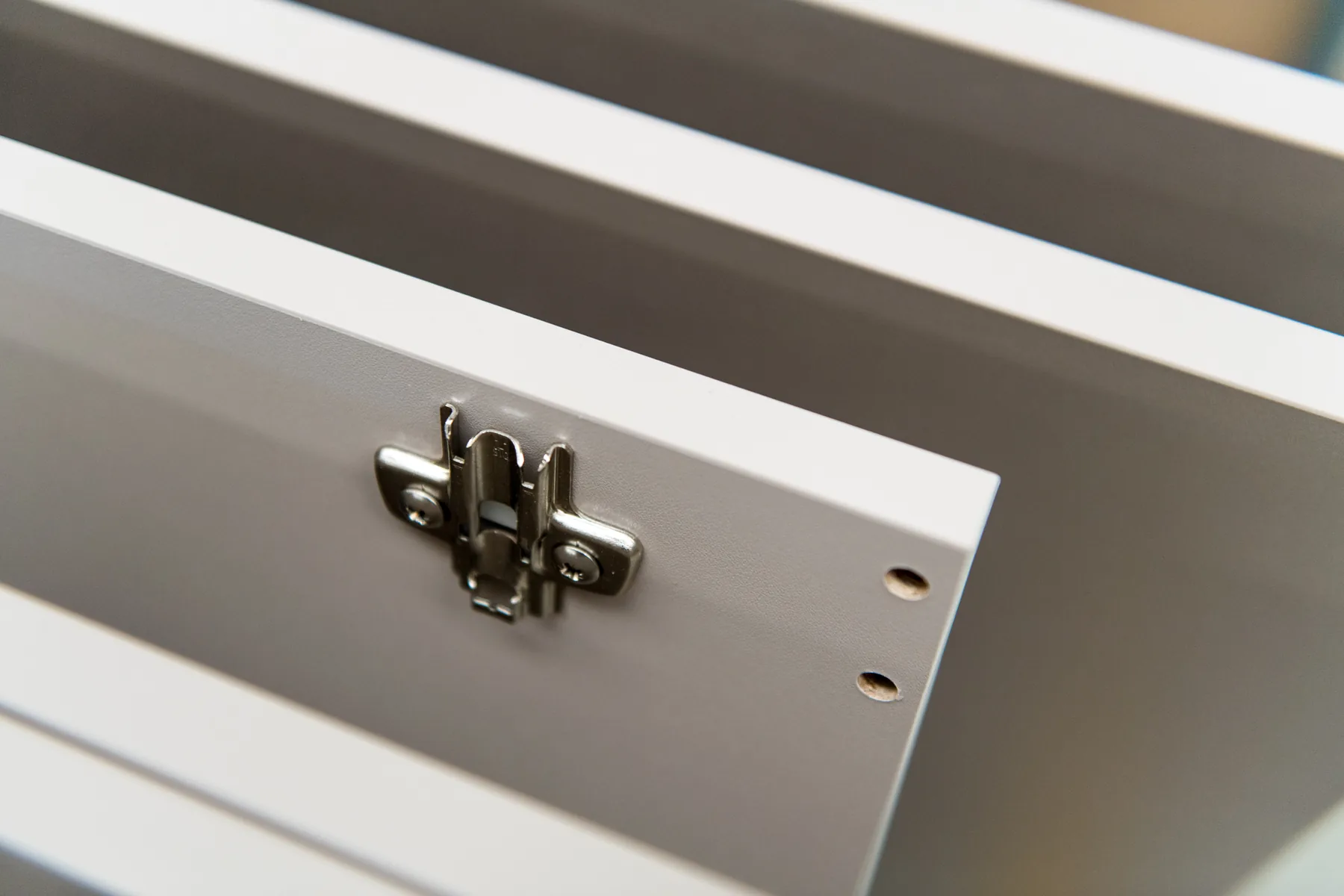
AutoFIT
Optimise panels, cutting plans and nesting without manual layout work
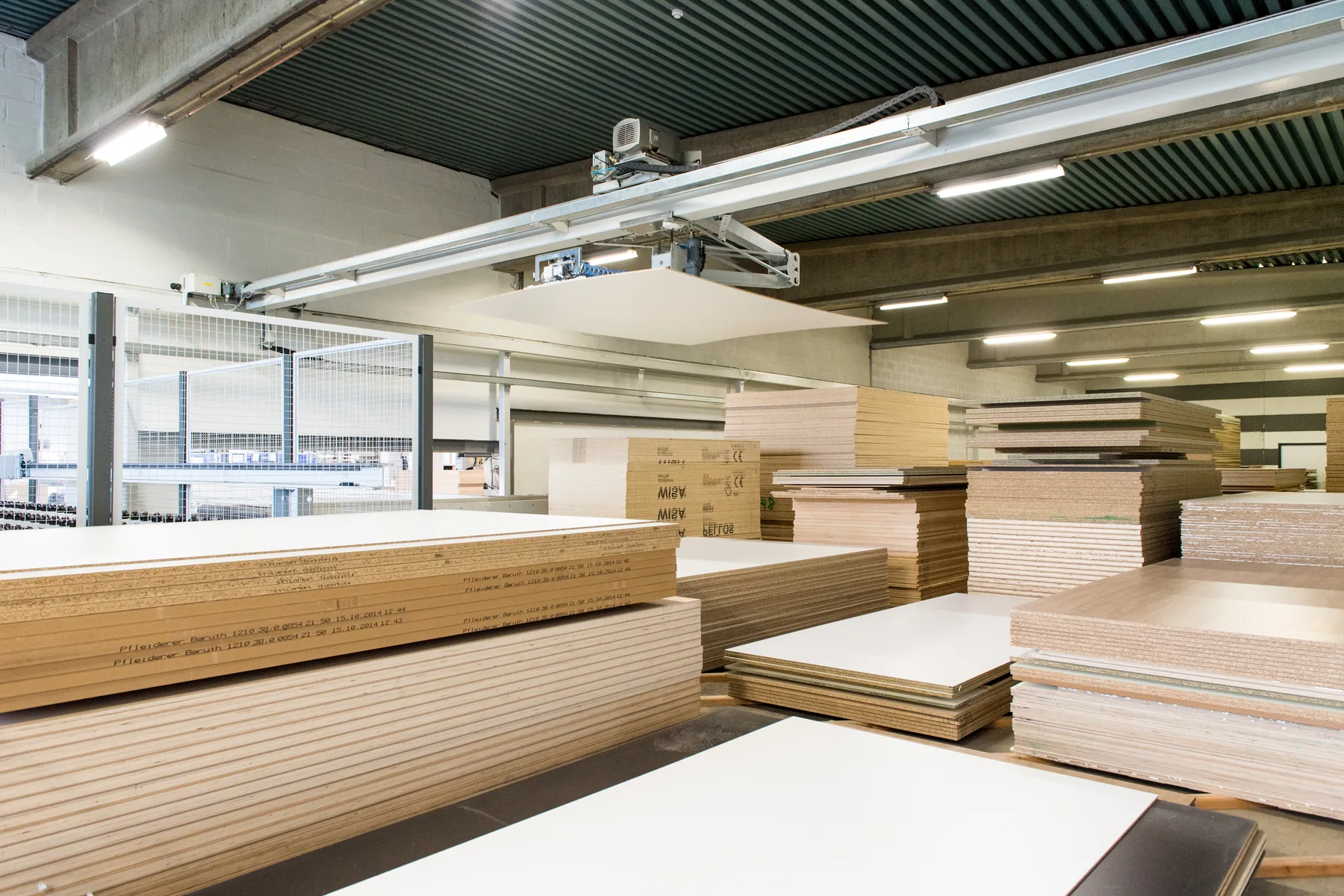
AutoFIT turns parts lists, material selections, grain direction and edge-banding requirements into efficient cutting or nesting plans. The software supports labels, panel and offcut management, and communication with supported machines and panel storage systems.
AutoFIT helps you with:
- import parts;
- manage materials and grain direction;
- cutting optimisation and nesting;
- labels and production documents;
- organise panels and offcuts;
- output to supported machines.
What is the difference between KORPUS and AutoFIT?
KORPUS connects parametric design with production preparation and machine control. AutoFIT focuses on cutting optimisation, nesting and remnant management and can also be used without KORPUS. The choice depends on where you want to start: with the design, the parts list or both.
You want to connect design and production preparation
Choose KORPUS if you want to prepare parts, operations and machine data from one design.
Particularly suitable for:
designing bespoke work, building libraries, standardising production preparation and automating CNC control.
You want to process panel materials more efficiently
Choose AutoFIT when parts need to be distributed efficiently across panels and cutting, nesting, labels or offcuts need to be organised more effectively.
Particularly suitable for:
cutting optimisation, nesting, material use, labels, stock and offcuts.
You want one workflow from design to panel processing
Combine KORPUS and AutoFIT when parts from the design should flow directly to optimization and production.
Particularly suitable for:
companies that want to avoid duplicate data entry and connect design, panel processing and machinery more closely.
How does KORPUS work with AutoFIT?
Design in KORPUS
Define dimensions, materials, construction details and machining operations.
Prepare parts
Use the same source for part information and production data.
Optimize in AutoFIT
Distribute parts across panels while accounting for material, grain direction and production preferences.
Send to the workshop
Prepare cutting or nesting files, labels and machine data for the agreed workflow.
Update changes at the source
Avoid having different employees continue to adjust their own list or file.
The exact steps to connect depend on your software, machinery and production organisation. Every project therefore starts with a technical and practical analysis.
Not sure yet which solution you need?
You do not need to know yet. During an initial discussion, we map your current processes, software and machines. We then show which solution can remove the most manual work.
Request a demoContact us